Samsung Galaxy Store
The Samsung Galaxy Store is the default application storefront on Samsung Galaxy phones and tablets.
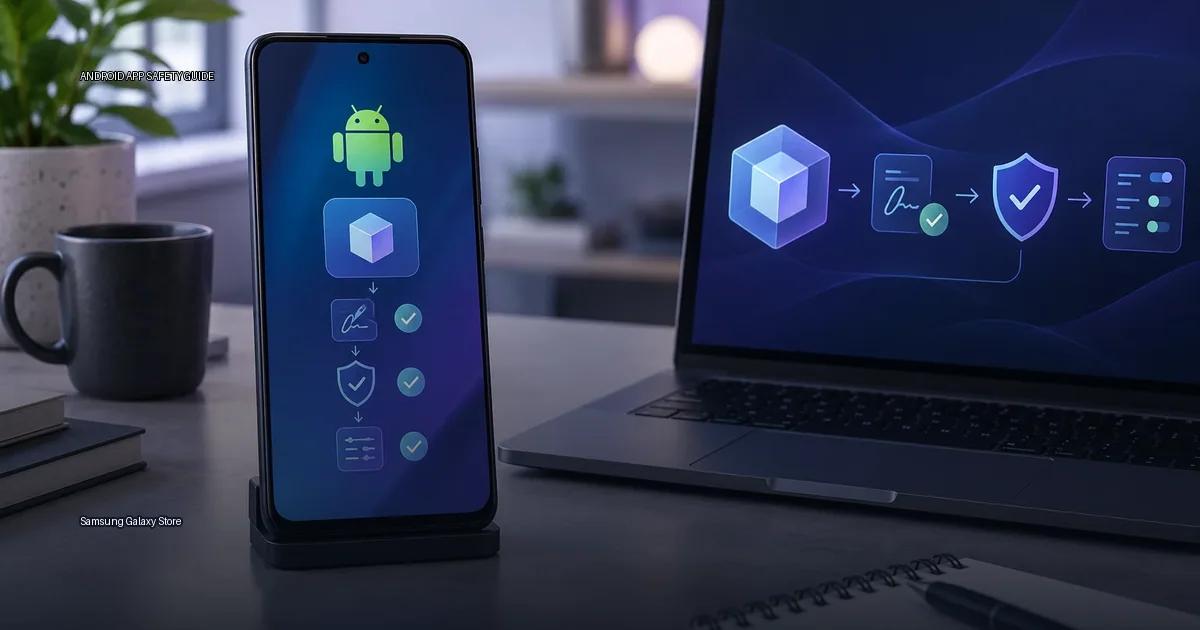
The Samsung Galaxy Store is the default application storefront on Samsung Galaxy phones and tablets. It exists alongside Google Play, and on most Galaxy handsets both are preinstalled and usable. The Galaxy Store is operated by Samsung Electronics, not by Google, and it uses a distinct app catalog, update pipeline and signing identity from the Play Store.
Which hardware can use it
Samsung Galaxy Store is preinstalled on Samsung Galaxy smartphones, foldables and tablets sold with Samsung’s One UI. It is not available on gear from other manufacturers, and it is not distributed via Google Play. The store is tied to the device’s Samsung account infrastructure; you can browse it without signing in, but some purchases, promotions and Galaxy-exclusive features require a Samsung account.
Because the Galaxy Store is a device-maker store, it is the default app market on Samsung hardware alongside Google Play. On a Samsung phone, you can obtain apps from both stores, and they are independent systems: an app bought or updated via the Galaxy Store is updated via the Galaxy Store, not via Google Play. The two stores treat the same app as different packages if the developer publishes a different signing key for each channel.
What the Samsung Galaxy Store is
The store’s catalog overlaps with Google Play but is not identical. Some Samsung apps and device-specific features are only available via the Galaxy Store. Developers can publish to both stores independently, which means an app you obtain from the Galaxy Store may have a different version number, signing key or update cadence than the same app from Google Play. The Galaxy Store is the default app source on Samsung hardware and is maintained by Samsung Electronics, not by Google.
What runs on the store
The Samsung Galaxy Store is preinstalled on Samsung Galaxy phones and tablets sold in most regions. A Samsung device can have both it and Google Play installed, and they operate as independent app sources. The Galaxy Store mainly carries Samsung-specific apps, themes and some third-party apps that Samsung has chosen to distribute. It is the default store on Galaxy hardware, but it is not the only store; Google Play remains the primary source for most Android apps on those products.
The store’s catalog is curated by Samsung. Apps listed there are distributed by Samsung’s own infrastructure, and the store handles updates for the apps it installed. When you obtain an app from the Galaxy Store, Samsung, not Google, is the party that verifies the app’s signature and scans it for malware. The store does not replace Google Play Protect; it runs alongside it.
Publisher identity
Samsung Electronics Co., Ltd. publishes the Galaxy Store. The store’s apps are distributed as APK or app bundle files, signed with Samsung’s release keys. When you obtain from the Galaxy Store, the package is delivered via Samsung’s own channel, not via Google Play. This matters for two reasons: the app signature is validated against Samsung’s records, and updates are pushed by Samsung’s store, not by Google Play.
For a developer to publish on the Galaxy Store, they submit an APK or app bundle to Samsung. Samsung signs the app with the developer’s certificate, and the store manages delivery and updates. The signature is the same mechanism used on the Play Store: an app signed by the same key can be updated in place; a different key means the OS treats it as a different app.
Update ownership
Updates for apps obtained from the Samsung Galaxy Store are managed by the Galaxy Store itself, not by Google Play. The store checks for updates via the Galaxy Store app, and updates are delivered from Samsung’s servers. If an app is available on both Google Play and the Galaxy Store, the two stores treat them as independent installs; updating via one store does not update the version installed by the other. This means the same app can appear twice on a device if obtained from both sources, and the OS may show two entries with the same name but different package signatures.
What to do about updates
When you obtain from the Galaxy Store, update from the Galaxy Store. Samsung’s own apps, such as Galaxy Wearable, SmartThings or Samsung Health, are often distributed via the Galaxy Store even when a Play Store version exists. If you obtain an app from the Galaxy Store and later try to update it from Google Play, the installer may refuse because the signing key differs. The reverse is also true: an app obtained from Google Play will not accept an update from the Galaxy Store if the signatures do not match.
Device scope
Samsung Galaxy Store is the default app store on Samsung Galaxy phones and tablets that ship with Google services. It is preinstalled on Galaxy hardware and is managed by Samsung Electronics. The store is not available on non-Samsung Android products via official channels; a device from another manufacturer does not normally include it, and Samsung’s own support documentation describes it as a Samsung device service. On Galaxy hardware sold in regions where Google services are absent, the Galaxy Store is one of the primary ways to obtain apps alongside the Play Store when available.
The store is independent from Google Play. Apps listed there are distributed by Samsung or by developers who publish to the store, and the store is the device maker’s own channel. That means an app obtained from the Galaxy Store is not the same distribution channel as one obtained from Google Play, even if the app name and developer look identical. Samsung does not require Google Play Services for the Galaxy Store to function, which is why it remains available on Galaxy products that have no Google account configured.
Who owns the Samsung Galaxy Store
Samsung Electronics operates the Samsung Galaxy Store. It is the default app store on Samsung Galaxy phones and tablets, and it is independent from the Google Play Store. The store is preinstalled on most Galaxy products sold outside of China; on products sold in China, Samsung hardware typically uses a different distribution setup because Google services are not preinstalled there. Samsung Galaxy Store is owned and operated by Samsung Electronics Co., Ltd. (source: Samsung Newsroom, 2024).
The store is not a replacement for Google Play. A Samsung device normally has both: Google Play is the primary source for most apps, and the Galaxy Store carries Samsung-specific apps, themes and some regional or exclusive content. When you obtain from the Galaxy Store, Samsung, not Google, is the publisher of the storefront, and Samsung’s servers serve the APK or app bundle files.
What the Galaxy Store is best for
Use the Galaxy Store when you need Samsung-specific apps, themes, watch faces for Galaxy Watch, or apps that use hardware-specific features such as the S Pen, DeX or Bixby routines. Samsung also uses the store to distribute updates to its own system apps. For most third-party apps, Google Play remains the default source on the same device.
More in this guide
Android app sources and package formatsGoogle PlayScan an APK safely.
Read next
-
 Google Play
 is the default app store on most Android devices, but it is one distribution channel among several.
Google Play
Google Play is the default app store on most Android devices, but it is one distribution channel among several.
-
 F-Droid
 is a software repository and installation client for Android that focuses exclusively on free and open-source software (FOSS).
F-Droid
F-Droid is a software repository and installation client for Android that focuses exclusively on free and open-source software (FOSS).
-
 GitHub Releases
 is a distribution point on a software project’s repository where maintainers publish tagged builds for download.
GitHub Releases
GitHub Releases is a distribution point on a software project’s repository where maintainers publish tagged builds for download.
-
 Amazon Appstore
 is an official Android app marketplace operated by Amazon.
Amazon Appstore
Amazon Appstore is an official Android app marketplace operated by Amazon.
-
 APKMirror
 hosts Android APK files for people who need to install an app outside the Play Store.
APKMirror
APKMirror hosts Android APK files for people who need to install an app outside the Play Store.
-
 Obtainium
 is an Android app that lets you fetch and update apps directly from the publisher’s own distribution page, bypassing app stores.
Obtainium
Obtainium is an Android app that lets you fetch and update apps directly from the publisher’s own distribution page, bypassing app stores.