Amazon Appstore
Amazon Appstore is an official Android app marketplace operated by Amazon.
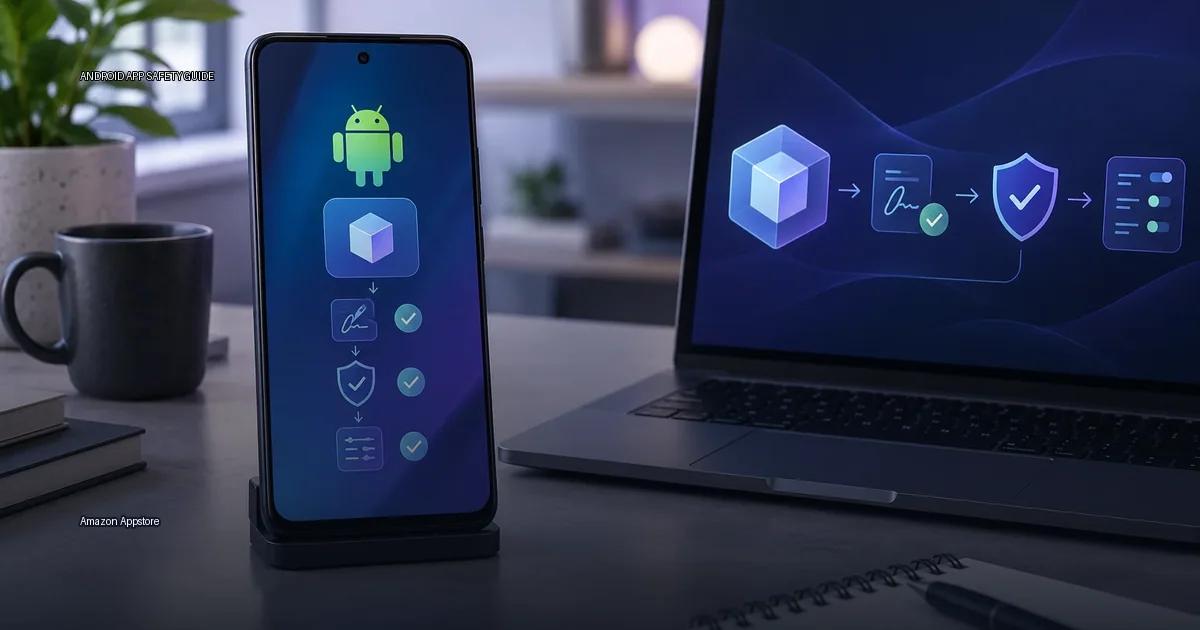
Amazon Appstore is an official Android app marketplace operated by Amazon. It is the default app store on Fire tablets and Fire TV hardware, and it also runs as a standalone app on many Android phones and tablets. The store does not require Google Play Services, which is why it is the primary app source on Amazon Fire hardware. What follows covers which hardware it supports, how Amazon verifies publishers, how updates are delivered, and how to check whether the store is still accepting new users on your equipment.
Supported hardware and current availability
The Amazon Appstore ships as the default store on Amazon Fire tablets, Fire TV, and Echo Show products. On those units, it is the only preinstalled store and cannot be removed. On standard Android phones and tablets, the Appstore is a separate app that you can install from Amazon’s website (Amazon.com, 2023).
Availability is tied to Amazon’s regional rollout. As of 2023, the Appstore is available in most countries where Amazon operates, but the catalog varies by region. The Amazon Appstore app itself can be installed from the Amazon website directly. It does not come preinstalled on most non-Amazon Android products. Amazon has stated that the Appstore is available on Android 5.0 and later, and that some apps may require newer Android versions (Amazon, 2023).
The store is also available on Windows 11 through the Amazon Appstore for Windows, but that version is tied to the Windows Subsystem for Android, which Microsoft deprecated in 2024 (Microsoft, 2024).
Which hardware can use the Amazon Appstore?
The Amazon Appstore runs on:
- Amazon Fire tablets and Fire TV products, where it is the default store.
- Android phones and tablets from other manufacturers, as long as they run Android 5.0 or newer and allow installation from unknown sources.
On Fire hardware, the Appstore is preinstalled. On other Android equipment, you download the Amazon Appstore APK from Amazon’s site and enable “install from unknown sources” for that installer. Amazon’s site states that the Appstore is compatible with Android products that meet the current OS requirement, and that availability varies by region and model (Amazon, Appstore FAQ, 2024).
Regional and catalog differences
According to Amazon’s own documentation, the store is available in most countries where Amazon operates, but the catalog varies by region and by product. On Fire hardware, the Amazon Appstore is the only pre-installed store. On other Android equipment, you install it as a normal APK, and it can run alongside Google Play. A unit without Google services can still use the Amazon Appstore, but some apps inside the store may depend on Google Play Services and will not function fully.
How Amazon Appstore updates apps
Amazon Appstore manages updates through its own client, not through Google Play. When an app is installed from the Amazon Appstore, the Amazon Appstore app checks for updates and installs them when you approve. Apps installed this way are signed with the developer’s certificate. Amazon does not re-sign them.
That means an app you install from Amazon Appstore will not update from Google Play, and vice versa. If you later install the same app from Google Play, you may see an “app not installed” error because the signatures differ (Amazon Appstore Help, 2024).
Publisher verification
Amazon Appstore does not publicly expose a per-developer “verified badge” the way some stores do. The store reviews apps against its content and security policies, and it requires a developer account tied to a payment identity before submission.
For users, the practical check is the developer name shown on the app page. Compare it with the developer’s official website or social media, and check the “App info” section for the developer’s email or website. Amazon’s Appstore content policy (Amazon Developer Services, 2024) requires apps to declare permissions and data practices, but the policy text is not a guarantee of code-level review. When you see an app in the Amazon Appstore, the publisher is the entity that submitted it. That is the start of verification, not the end.
How to check whether the store still works on your equipment
Start with the official compatibility statement. Amazon states the Appstore runs on Android 5.0 and later. If your Android version is older, the store will not install. On Fire hardware, the store is tied to the OS version that ships with the product. If your Fire tablet or Fire TV no longer receives system updates, the store may stop offering new apps or updates over time.
Next, check regional availability. Even if your hardware meets the OS requirement, the Appstore may not be available in your country. Visit Amazon’s Appstore download page from a browser on the target unit. If the page offers a working download, the store is still accepting new users in your region on that equipment.
Finally, test installation. Download the APK from Amazon’s site and attempt to install it. If the installer runs without error and the store opens, the service is active. If the store opens but shows an empty or heavily restricted catalog, your region or product model likely has limited support.
More in this guide
Android app sources and package formatsGoogle PlayAndroid app signatures.
Read next
-
 Google Play
 is the default app store on most Android devices, but it is one distribution channel among several.
Google Play
Google Play is the default app store on most Android devices, but it is one distribution channel among several.
-
 F-Droid
 is a software repository and installation client for Android that focuses exclusively on free and open-source software (FOSS).
F-Droid
F-Droid is a software repository and installation client for Android that focuses exclusively on free and open-source software (FOSS).
-
 GitHub Releases
 is a distribution point on a software project’s repository where maintainers publish tagged builds for download.
GitHub Releases
GitHub Releases is a distribution point on a software project’s repository where maintainers publish tagged builds for download.
-
 Samsung Galaxy Store
The Samsung Galaxy Store is the default application storefront on Samsung Galaxy phones and tablets.
Samsung Galaxy Store
The Samsung Galaxy Store is the default application storefront on Samsung Galaxy phones and tablets.
-
 APKMirror
 hosts Android APK files for people who need to install an app outside the Play Store.
APKMirror
APKMirror hosts Android APK files for people who need to install an app outside the Play Store.
-
 Obtainium
 is an Android app that lets you fetch and update apps directly from the publisher’s own distribution page, bypassing app stores.
Obtainium
Obtainium is an Android app that lets you fetch and update apps directly from the publisher’s own distribution page, bypassing app stores.