F-Droid
F-Droid is a software repository and installation client for Android that focuses exclusively on free and open-source software (FOSS).
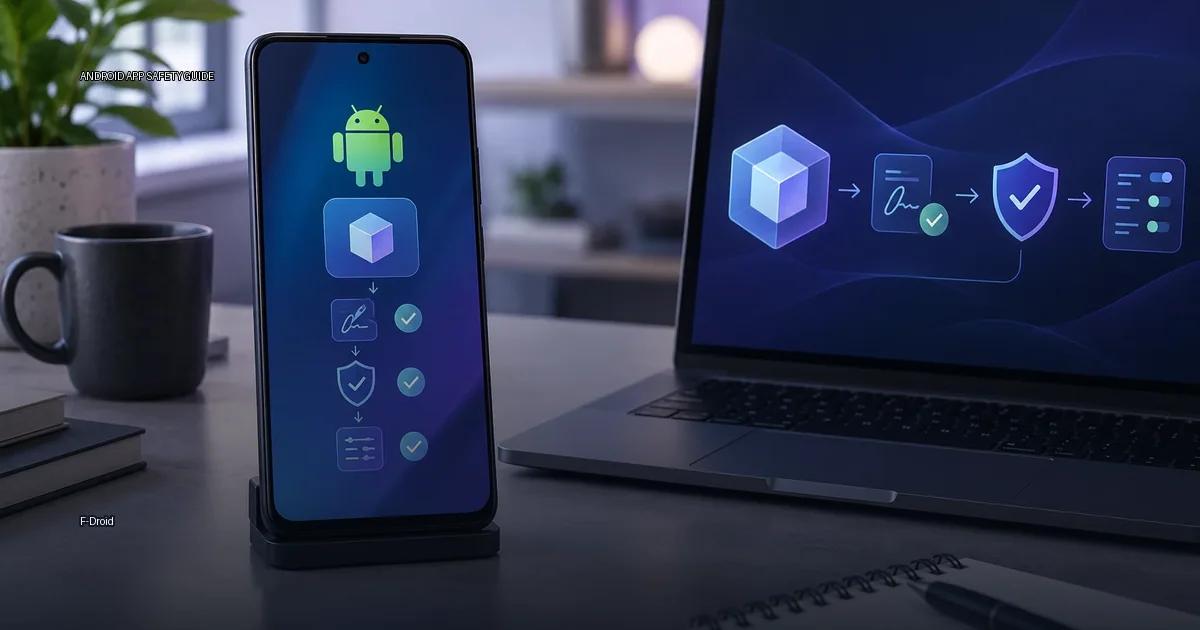
F-Droid is a software repository and installation client for Android that focuses exclusively on free and open-source software (FOSS). Unlike Google Play, which distributes apps as proprietary binaries, F-Droid builds apps from source code and signs them with its own keys. This affects how you verify updates, what app information you can inspect, and what risks remain when you install from it.
What F-Droid Actually Is
F-Droid is an app catalogue (a collection of Android apps) plus a client app that lets you browse, install, and update apps from that catalogue. It is not a store in the Google Play sense; it does not host paid apps, does not use a central review process for every update, and does not enforce a uniform privacy policy. Instead, it is a collection of free and open-source Android apps, each built from source code that is publicly available. The project is run by volunteers and publishes its own client, also called F-Droid, which is itself free software.
The core promise of F-Droid is transparency: anyone can inspect the source code of the apps listed, and the build process is designed so that others can independently recreate the same binary. That transparency does not automatically mean every app in the catalogue is safe; it means the code is open to inspection and the build can be recreated by others. Safety still depends on the app’s own behaviour and the permissions it requests.
How the signing model works
F-Droid signs all apps in its main catalogue with its own signing key. This means the signature on the APK you install from F-Droid is not the same as the one the original developer uses. The practical effect is that you cannot update an F-Droid app with a Play Store APK of the same app, and vice versa; the signatures will not match. Android will refuse the update with “app not installed” or a signature mismatch error. To update, you must keep using F-Droid or uninstall and install the other source.
F-Droid’s own documentation states that they sign apps with their key when the upstream developer does not provide a signed binary that matches the source code (F-Droid, 2024). The F-Droid signing key is shared across all apps signed by F-Droid, which means one compromised key could affect many apps, but the project publishes the key’s fingerprint in its documentation.
What the catalogue information covers and what it does not verify
F-Droid maintains an index of app details for each listing: the package name, version code, version name, source code URL, license, and a list of anti-features. The index is signed by the F-Droid team. When your F-Droid client downloads an app, it checks that the APK’s signature matches the one recorded in the index. That check is the core trust boundary: it proves the file came from the same key that signed the catalogue information, not that the app is malware-free.
The index also carries the signer fingerprint. If the developer changes signing keys, the F-Droid build must be re-signed by F-Droid’s own key, which is why F-Droid apps have a different signature than the same app distributed by the developer. This is a deliberate model, not a bug: F-Droid signs all builds with its own key so that updates in the catalogue are verifiable against the catalogue’s key. The trade-off is that you cannot verify that a binary in F-Droid was built by the upstream developer unless the build can be independently recreated and the upstream key is published and matched. F-Droid’s build documentation records which app versions produce identical binaries from the same source (F-Droid documentation, 2024).
The update channel for an F-Droid app is therefore tied to F-Droid’s signing key, not the original developer’s key. If you install from F-Droid, your device trusts F-Droid’s key for that app; updates come from F-Droid’s catalogue. If the same app is later updated by the developer directly, the signature will not match, and Android will refuse the update unless the app is uninstalled first. This is the core trade-off of the F-Droid model.
How builds are verified
F-Droid’s build process is designed so that others can independently recreate the same binary: the project builds apps from source code and publishes the source. The F-Droid build server uses a defined toolchain to compile the APK, and when the build can be independently recreated, the output matches the developer’s own build. In practice, not every app in the catalogue is built this way; the F-Droid website marks which builds can be independently recreated. When an app cannot be recreated, the user is trusting F-Droid’s build server rather than the original developer’s binary.
F-Droid aims to build apps from source so the output APK matches the developer’s original binary. When a build can be independently recreated, the F-Droid-signed APK is byte-for-byte identical to the developer’s signed release, which means the app is verifiably built from the published source code. This is a key trust feature, but it only applies to apps that have been set up for that process.
The F-Droid project states that independently recreatable builds allow anyone to verify that the app’s source code produces the exact binary distributed by the catalogue. When a build is recreatable, the same source code, compiled with the same toolchain, produces a byte-for-byte identical APK. F-Droid documents which apps are recreatable in its build records. Not every app in the catalogue is recreatable; the project maintains a list of apps that have achieved that status. The practical implication is that recreatable builds make it possible to verify that the distributed APK matches the published source, but verification requires the user to rebuild the app from source and compare hashes. This is beyond the reach of most casual users and is primarily a trust signal for developers and auditors.
Some apps are distributed with the developer’s original signature; F-Droid labels those with the “Signed by original developer” information. Others are signed by F-Droid’s own key.
Anti-feature labels and what they mean
F-Droid labels apps with anti-features. These labels are part of the catalogue information, and they include markers like “NonFreeNet”, “Tracking”, “ADS”, and “NonFreeDep”. The label is a warning, not a ban. A user can choose to install an app that has anti-features, but the label is displayed in the client and on the website.
Anti-features are labels that F-Droid applies to apps to warn about non-free or privacy-relevant properties. They are not a malware verdict; they are information about the app’s behaviour or licensing. F-Droid’s inclusion policy only accepts free and open-source software, but an app can still request broad permissions or contain code that sends data to a third party; the anti-feature labels are the project’s way of surfacing that.
Examples include:
- NonFreeNet: the app depends on non-free network services.
- NonFreeAssets: the app contains non-free media or assets.
- Tracking: the app collects or shares user data.
- KnownVuln: the app has a known unpatched security vulnerability.
The presence of an anti-feature does not mean the app is malicious; it means the app has a property that the F-Droid project considers undesirable for a fully free app.
Where you can get Android apps: installation channels compared
F-Droid is one of several ways to install apps on Android. Each channel has a different trust model and signing approach.
- Official app stores: Google Play Store, Samsung Galaxy Store, Huawei AppGallery, Xiaomi GetApps, Amazon Appstore.
- Device maker’s store: the store preinstalled by the device manufacturer, which may differ from Google Play.
- Developer’s own site: the app developer’s official website or release channel.
- F-Droid: a catalogue of free and open-source apps, with its own signing model.
- Aurora Store: a third-party client that pulls apps from Google Play servers anonymously.
- APKMirror: an aggregator that verifies signatures against the original developer key.
- Direct APK from a developer’s GitHub releases page: acceptable if the developer is the owner of that repository.
- ADB install: a command-line method for installing APKs from a computer.
What to check before you install from F-Droid
- Confirm the signing source. Check whether the app listing shows “Signed by original developer” or is signed by F-Droid’s key. This determines which update channel you are committing to.
- Look at the anti-feature labels. Open the app’s page in the client and scan for NonFreeNet, Tracking, Ads, or KnownVuln. Decide whether each label matters for your use case.
- Check whether the build can be independently recreated. The F-Droid website and client mark which builds are recreatable. If the app is not recreatable, you are trusting F-Droid’s build server without independent verification.
- Review the permissions the app requests. Anti-feature labels do not cover every permission. Open the app’s permissions list in the client and compare it against what the app actually needs to function.
- Verify the source code URL. Confirm the source code link in the app’s listing points to a repository controlled by the named developer, not an abandoned or impersonated account.
- Plan your update path. If you install from F-Droid, you are tied to F-Droid’s signing key for updates. Do not expect to switch to a Play Store or direct APK update without uninstalling first.
More in this guide
Android app sources and package formatsGoogle PlayAndroid apps from GitHub releases.
Read next
-
 Google Play
 is the default app store on most Android devices, but it is one distribution channel among several.
Google Play
Google Play is the default app store on most Android devices, but it is one distribution channel among several.
-
 GitHub Releases
 is a distribution point on a software project’s repository where maintainers publish tagged builds for download.
GitHub Releases
GitHub Releases is a distribution point on a software project’s repository where maintainers publish tagged builds for download.
-
 Samsung Galaxy Store
The Samsung Galaxy Store is the default application storefront on Samsung Galaxy phones and tablets.
Samsung Galaxy Store
The Samsung Galaxy Store is the default application storefront on Samsung Galaxy phones and tablets.
-
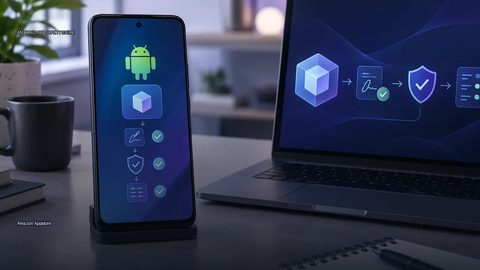 Amazon Appstore
 is an official Android app marketplace operated by Amazon.
Amazon Appstore
Amazon Appstore is an official Android app marketplace operated by Amazon.
-
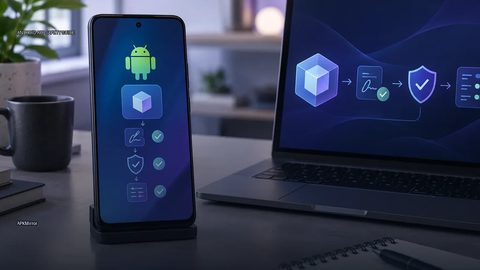 APKMirror
 hosts Android APK files for people who need to install an app outside the Play Store.
APKMirror
APKMirror hosts Android APK files for people who need to install an app outside the Play Store.
-
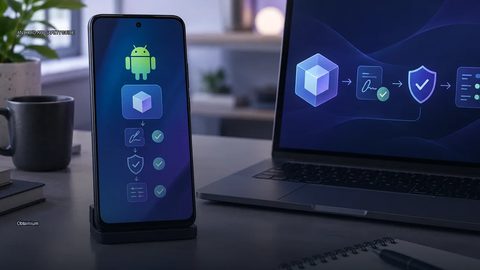 Obtainium
 is an Android app that lets you fetch and update apps directly from the publisher’s own distribution page, bypassing app stores.
Obtainium
Obtainium is an Android app that lets you fetch and update apps directly from the publisher’s own distribution page, bypassing app stores.