Google Play
Google Play is the default app store on most Android devices, but it is one distribution channel among several.
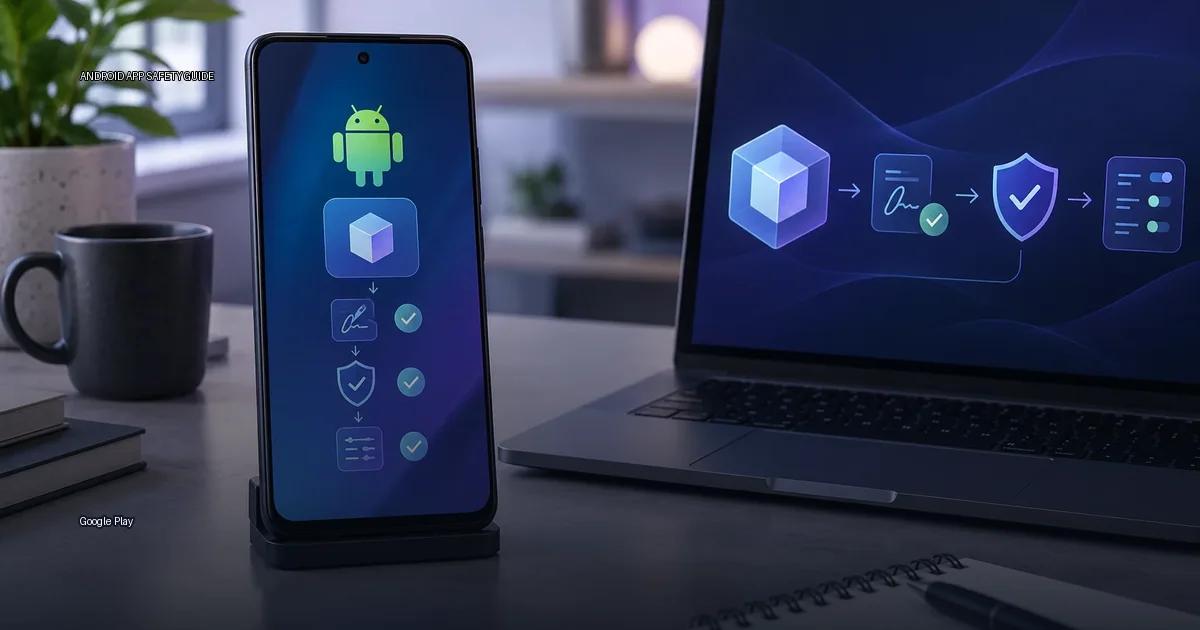
Google Play is the default app store on most Android devices, but it is one distribution channel among several. the material below explains what Google Play actually does, and does not, guarantee, how its safety systems work, and why a listing in the store is a signal, not a certificate of safety.
What the review process actually checks
When a developer submits an app, Google runs an automated review that checks for policy violations, malware, and data-safety issues. In 2023, the company stated that it reviewed billions of apps and blocked millions of policy-violating submissions, but the review is not a manual code audit of every app. Google Play Protect scans apps on-device and in the cloud, and the company claims it checks billions of apps daily (Google, 2023). The system flags known malware signatures and some behavioral heuristics, but it does not guarantee that every app is safe.
The Play Store is a store, not a security certificate. A listing that passes review can still contain vulnerabilities, collect data aggressively, or be updated later with a malicious payload. The presence of an app in Google Play is one signal among several, not a final verdict.
Automated scanning and policy checks
The review process is automated and largely heuristic. According to documentation on Play Console and Play Protect, the company scans apps for known malware, policy violations, and data-safety inconsistencies. The review does not manually test every app for every possible vulnerability. The checks include:
- Static analysis of the APK or app bundle for malicious code patterns.
- Comparison against known malware signatures.
- Review of requested permissions against the app’s declared purpose.
- Enforcement of target API level requirements (Google Play Help, 2024).
- Checks for policy compliance regarding data collection and disclosure.
The key limitation: passing review means the app meets publishing policies at the time of review, not that it is immune to later changes. A developer can submit a clean app and then push an update that behaves differently.
Machine learning and human review
When a developer uploads an app, the service runs automated checks and may subject the app to human review. Google states that it uses “machine learning and human review” to scan apps for policy violations, and it publishes an annual “Google Play Protect” report on malware trends (Google, 2024). However, a listing on the Play Store does not mean the app is officially vetted or endorsed by Google. Malicious apps have repeatedly appeared on the store and were removed after the fact. Store presence is one signal among several; it is not a safety certificate.
Publisher identity is not verified
The publisher name on a Play Store listing is also not proof of identity. A determined actor can create a developer account under a plausible name, publish a lookalike app, and collect installs before being removed. The Play Console’s verification tiers (individual and organization) add friction but do not guarantee that the publisher is a well-known company. For high-value apps, check the developer’s official website or social channels and confirm that the app links to those channels.
What Play Protect does and does not do
Play Protect is the built-in malware scanner. It runs on-device and in the cloud, checking apps before and after installation. Google states that Play Protect “scans apps before you download them” and “checks your device for harmful apps” (Google Play Help, 2024). The important limitation is that Play Protect does not continuously monitor apps installed from outside the Play Store; it performs a one-time scan when you install a sideloaded app, but the ongoing monitoring that Play Store apps receive does not apply. A clean Play Protect result is a good sign, not a guarantee.
How Play Protect scans work
According to Android security documentation (2024), Play Protect checks apps before first install, periodically rechecks installed apps, and warns the user when it detects potentially harmful behavior. The important gap: Play Protect does not continuously monitor apps installed outside the Play Store; it offers a one-time scan when you first allow unknown sources. A clean Play Protect scan is a good sign, not a guarantee. Documentation (Android Developers, 2024) states that Play Protect uses “machine learning algorithms” and “app analysis” but does not claim to catch every threat. The most useful mental model is that Play Protect is a baseline, not a firewall.
What the store listing actually confirms
Key facts about Play Store listing (Google Play Help, 2024):
- Apps are scanned before publication and re-scanned periodically.
- Developers must declare data practices, but Google does not independently verify every claim.
- Play Protect can disable or uninstall apps that are found to be harmful.
- A store listing is a distribution signal, not a safety certificate.
The Play Store is the default app source on most Android devices. Google operates it, but the store is not the only way to install apps, and its presence does not guarantee that an app is safe. The store’s review process is automated and largely relies on the developer’s self-reported data.
Known gaps and past failures
In its “How Google Play protects users” documentation, Google states that it uses machine learning and human review to detect policy violations, and that it removed 1.5 million policy-violating apps in 2021. That figure is from the 2021 annual report, not a promise of future performance. The review process is not a security audit; it checks for policy compliance, not for the absence of malware. Apps that pass review can still be malicious, and Google has removed apps from the store after they were found to be harmful (for example, the 2023 Fleckpe adware campaign, reported by Bitdefender in March 2023).
The presence of an app on Google Play is one signal, not a contract. The review process is automated and has been described as “not a human review of every app” (Google, 2024). Apps can be removed after publication for policy violations, and some malicious apps have been found on the store after passing initial checks. The store’s value is that it provides a consistent distribution channel, a signature chain, and a way to report abuse; it is not a certification that an app is safe.
How to evaluate an app before installing
Check permissions against the app’s purpose
The Android permission model is the main boundary between an app and your data. An app that requests permissions beyond its core function is a warning sign, regardless of whether it comes from the Play Store. On Android 6.0 (API 23) and later, dangerous permissions are requested at runtime; on earlier versions, they are granted at install time. The Play Store listing shows the full permission list, but the runtime prompt is what you actually approve. For an app that only needs to display text, a request for location, contacts, or SMS is a red flag. The Android Developers documentation (2024) recommends checking the permission list before installing and reviewing it again after updates, because an update can add permissions without changing the app’s core function.
Verify the developer outside the store
Do not rely on the publisher name alone. Search for the developer’s official website, look for links to the app from the company’s own domain, and check whether the app’s support contact matches the developer’s public channels. A mismatch between the listed developer and the company you expect is a strong reason to pause.
Review the data-safety section
The data-safety section on each listing is self-reported by the developer. Read it critically. If an app claims to collect no data but requests contacts or location at runtime, the disclosure is incomplete or misleading. Cross-check the data-safety claims against the permission list and the app’s actual behaviour after installation.
Treat sideloaded apps with extra caution
Device makers ship their own stores (Samsung Galaxy Store, Xiaomi GetApps, Huawei AppGallery) and developers can distribute APK files directly. When you install an app from outside the Play Store, Play Protect performs a one-time scan but does not provide ongoing monitoring. Before sideloading, verify the APK’s source, check its hash against the developer’s published signature if available, and consider whether the same app is obtainable through a store that offers continuous scanning.
Re-check after updates
An app that was clean at install can change. After any update, revisit the permission list and data-safety section in the app’s store listing. If an update adds permissions that the app’s function does not justify, revoke those permissions or uninstall the app.
More in this guide
Android app sources and package formatsF-DroidInspect permissions before installing.
Read next
-
 F-Droid
 is a software repository and installation client for Android that focuses exclusively on free and open-source software (FOSS).
F-Droid
F-Droid is a software repository and installation client for Android that focuses exclusively on free and open-source software (FOSS).
-
 GitHub Releases
 is a distribution point on a software project’s repository where maintainers publish tagged builds for download.
GitHub Releases
GitHub Releases is a distribution point on a software project’s repository where maintainers publish tagged builds for download.
-
 Samsung Galaxy Store
The Samsung Galaxy Store is the default application storefront on Samsung Galaxy phones and tablets.
Samsung Galaxy Store
The Samsung Galaxy Store is the default application storefront on Samsung Galaxy phones and tablets.
-
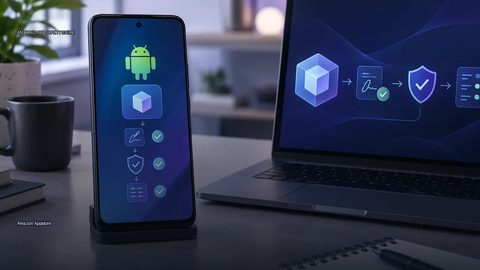 Amazon Appstore
 is an official Android app marketplace operated by Amazon.
Amazon Appstore
Amazon Appstore is an official Android app marketplace operated by Amazon.
-
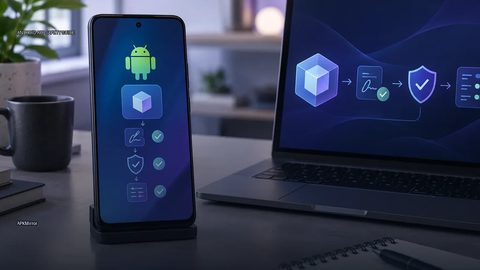 APKMirror
 hosts Android APK files for people who need to install an app outside the Play Store.
APKMirror
APKMirror hosts Android APK files for people who need to install an app outside the Play Store.
-
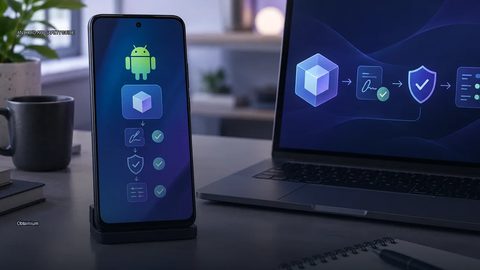 Obtainium
 is an Android app that lets you fetch and update apps directly from the publisher’s own distribution page, bypassing app stores.
Obtainium
Obtainium is an Android app that lets you fetch and update apps directly from the publisher’s own distribution page, bypassing app stores.